
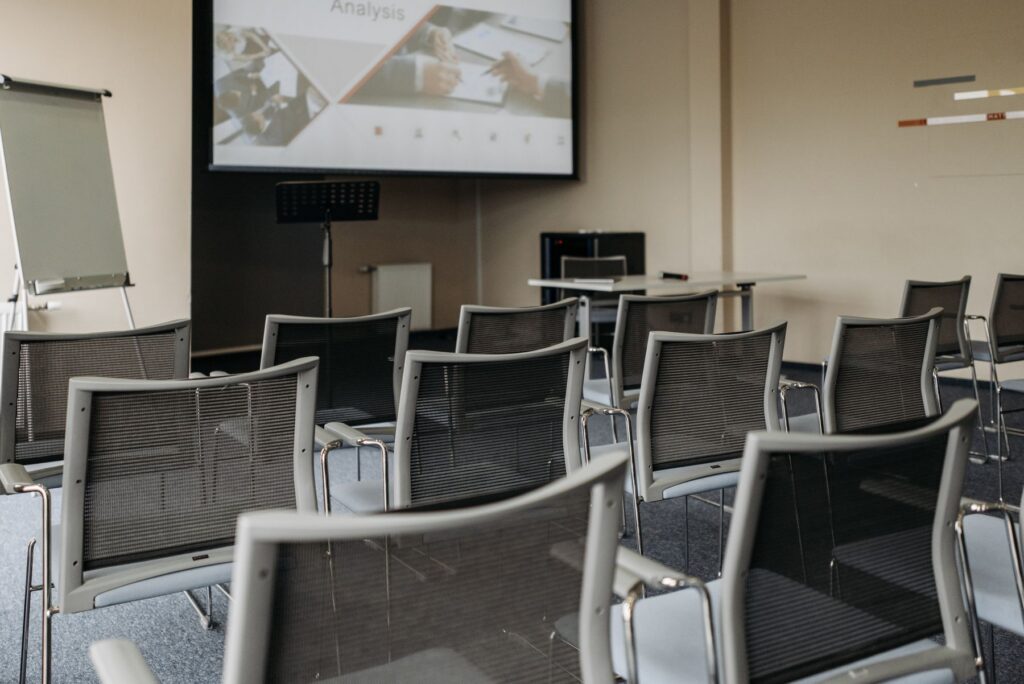
A multipurpose room must adapt to meetings, presentations, training and internal events without requiring a new setup each time. Image, audio and connections must work as a whole, with commands understandable even for occasional users. Quality does not depend on the number of devices, but on how they are coordinated.
This demonstrative project concerns a room with variable seating configurations and multiple content types. The work starts from the planned activities, viewing and listening distances, and the sources actually used. Only afterwards are screen, projection, sound distribution and interfaces defined.
The need
The room hosts groups of different sizes. During a meeting a computer must be connected quickly, while in training the voice must remain intelligible even in the back rows. At other times the space is used for video content or internal communications. Each scenario requires similar functions, but with different priorities.
The environment also introduces concrete constraints: natural light, reflective surfaces, background noise, seat positions and cable pathways. A bright image that is too small, or powerful speakers that are poorly distributed, do not solve the problem. The project must balance visibility, listening and operational simplicity.
The designed solution
The site survey measures geometry and distances, identifies usage positions and checks power supplies, network and conduits. The scenarios are turned into an essential matrix: source to display, audio content, required control level and people authorized to manage it.
Screen and projection device are sized according to the room and available light. Sound distribution is arranged to favour uniformity and intelligibility. Wired connections and, where appropriate, wireless presentation modes are organised so the user can immediately recognise the correct path, without accessing unnecessary technical settings.
A central interface gathers recurring operations: start-up, source selection, essential adjustment and shutdown. Specialist functions remain available to designated personnel. Before hand‑over the devices actually used by the organization are tested, verifying formats, audio and behaviour in the different scenarios.
A system designed for everyday use
Brief instructions next to connection points and consistent names in the interface reduce support requests. Users can start a presentation by following a few steps, while the room manager has complete documentation for checks and modifications.
The modular structure allows evaluating future expansions without replacing components that are still adequate. If sources change, the layout or the number of participants, the documented project clarifies which parts are affected and which checks to repeat. Also software updates, signal compatibility and link status can thus be controlled with a precise reference, reducing trial interventions during room use.
To configure an effective room it is useful to list use scenarios and test the usual devices: from this information a proportionate and easy‑to‑manage system is created.